

Every outlet TV, one dashboard.
Head office decides what plays on every restaurant screen: food reels, offers, dish photos and a QR strip that takes guests straight to ordering. Change it once and every outlet follows.
Invite-only beta. We are onboarding a few restaurant brands at a time.
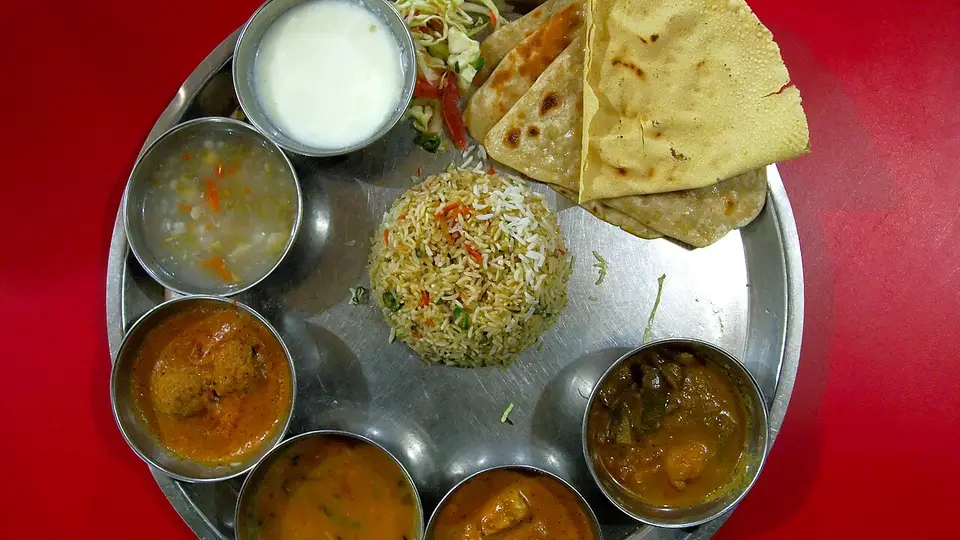
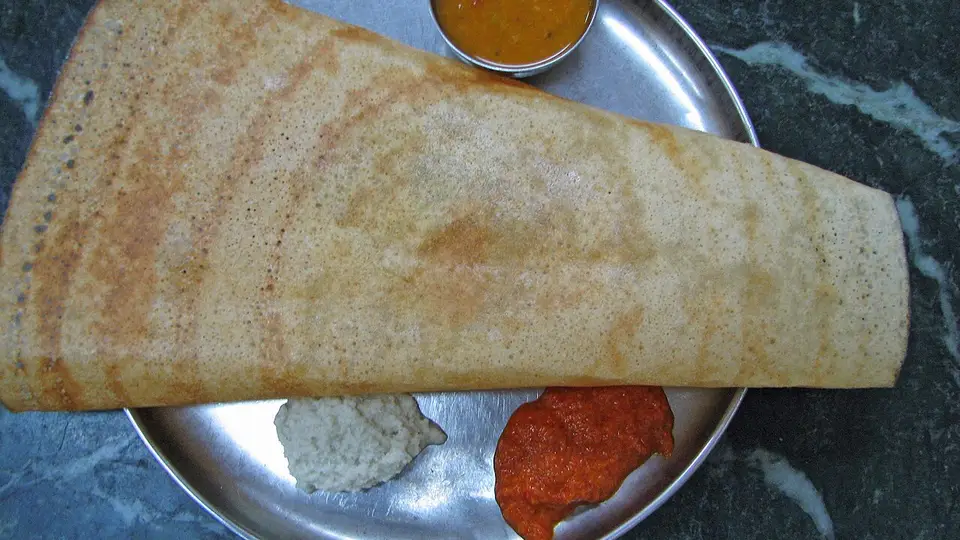
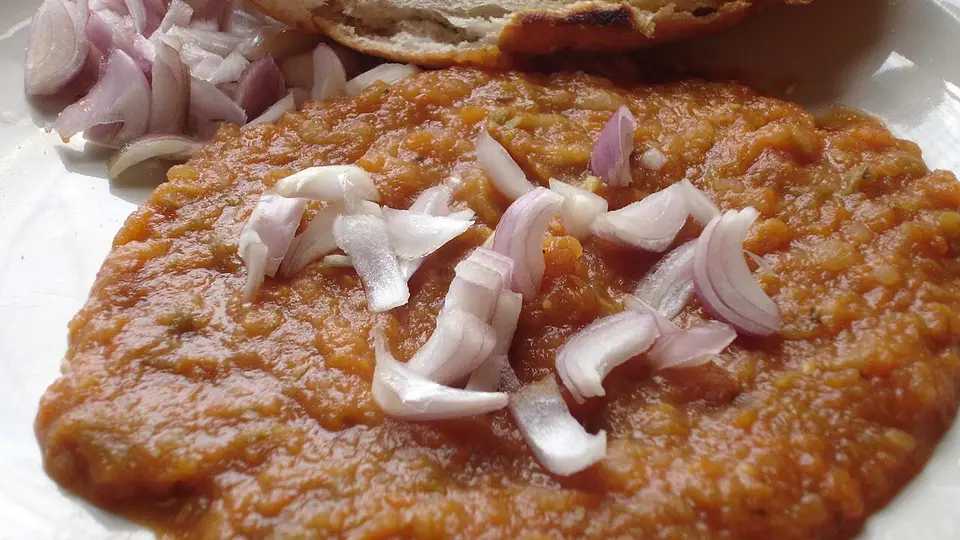
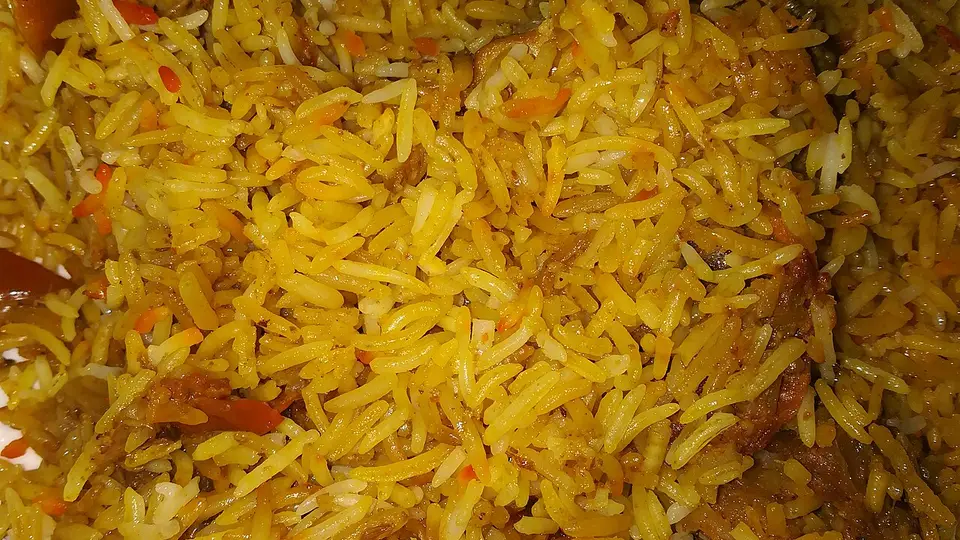
One playlist, laid out for the way each TV is mounted. Sample dishes shown.
Up and running in one visit.
Plug in the TV and open the app.
Android TVs, boxes and Fire TV sticks all work. The screen shows a six-digit pairing code.
Claim the code from your dashboard.
Type it under the outlet, name the screen and pick its playlist. No one at the outlet needs a login.
It plays, and keeps playing.
The TV downloads everything and plays from its own storage. It checks for changes every few minutes, so a dropped connection never blanks the screen.
What your screens can play.
Looping reels and videos
Upload a phone video or a finished ad. We convert it for TVs, so it plays smoothly on cheap hardware too.
Offer banners
Put this week's deal on every screen, or only on the outlets running it. Swap it when the offer ends.
A dish photo showcase
Still photos of your menu, each held for as long as you choose, between the videos.
A QR strip that leads to ordering
Point it at your own site, Zomato, Swiggy or your POS link. Change the link once and every QR on every TV follows, with no reprinting.
Synced 3 min ago. Playing from its own storage.
Offline-first, portrait-ready
Screens keep playing through internet cuts. Mount a TV sideways and set its rotation once; the layout follows.
Request an invite.
The beta is free while it lasts and we set it up with you. Tell us about your brand and we will reply by email.
Already invited? Sign in.